Experiments 1 to 9
HTML, CSS & JS
Screenshots for all pages
Curriculum syllabus
Each module provides full copyable source code, syntax highlighting, code explanation, and browser output screenshots.
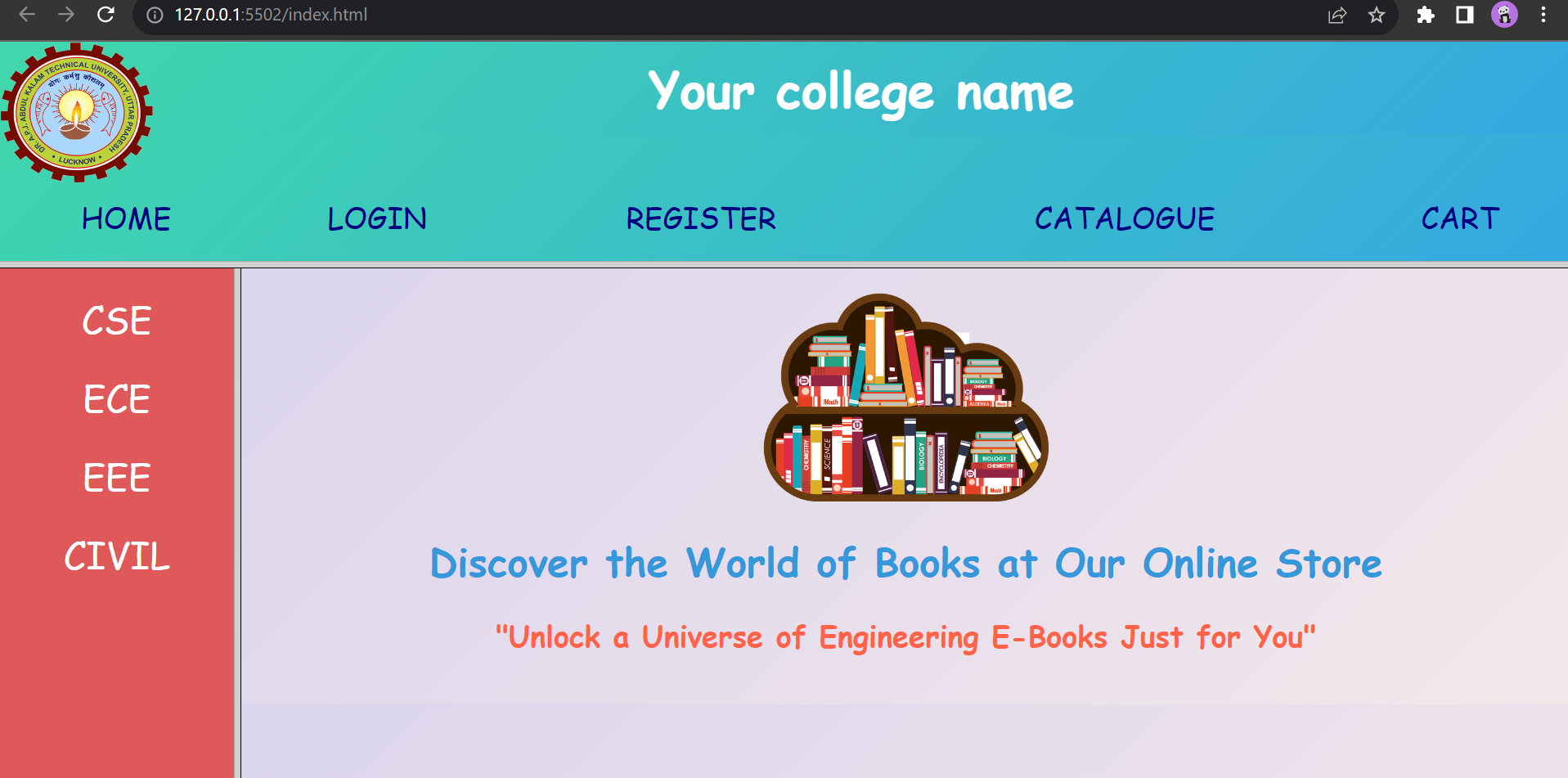
The online bookstore is built using a multi-frame architecture. Keep all HTML files (index.html, top_frame.html, left_frame.html, right_frame.html, login.html, catalogue.html, cart.html, registration.html) in the same workspace directory. Opening index.html in your browser will render all frames correctly with link redirection.
Design the static home page for an online bookstore containing three frames (Top college banner, Left departmental menu, Right main billboard), plus a credential-verified Login page.
Exp 3
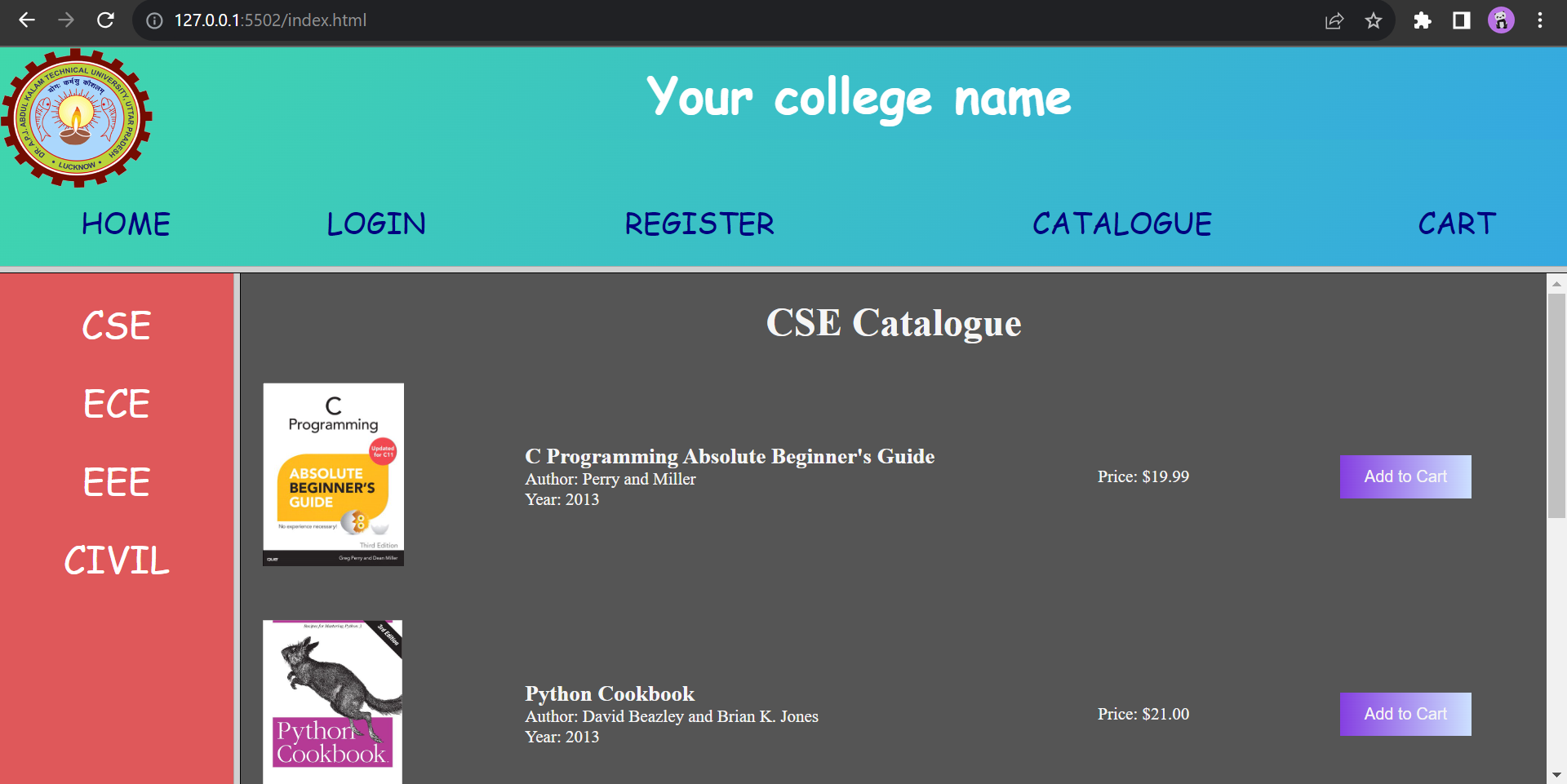
Design comprehensive book catalogue pages for CSE, ECE, EEE, and Civil Engineering displaying cover page snapshots, author names, publishers, and prices inside structured tables.
Exp 4
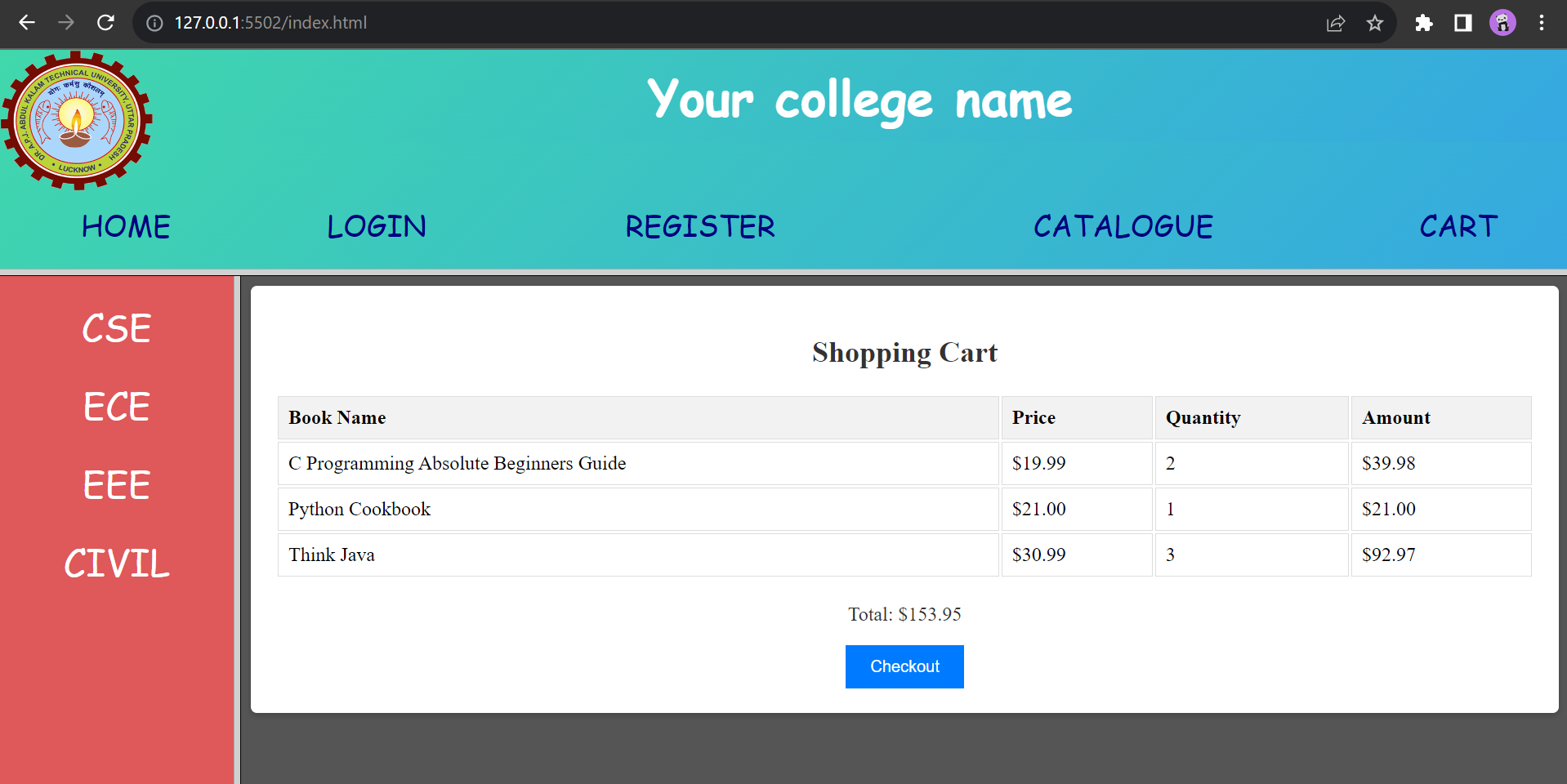
Design a shopping cart table displaying customer selected engineering books with cover images, book descriptions, price per copy, quantities, subtotal, and total checkout amount.
Exp 5, 6, 7, 8 & 9
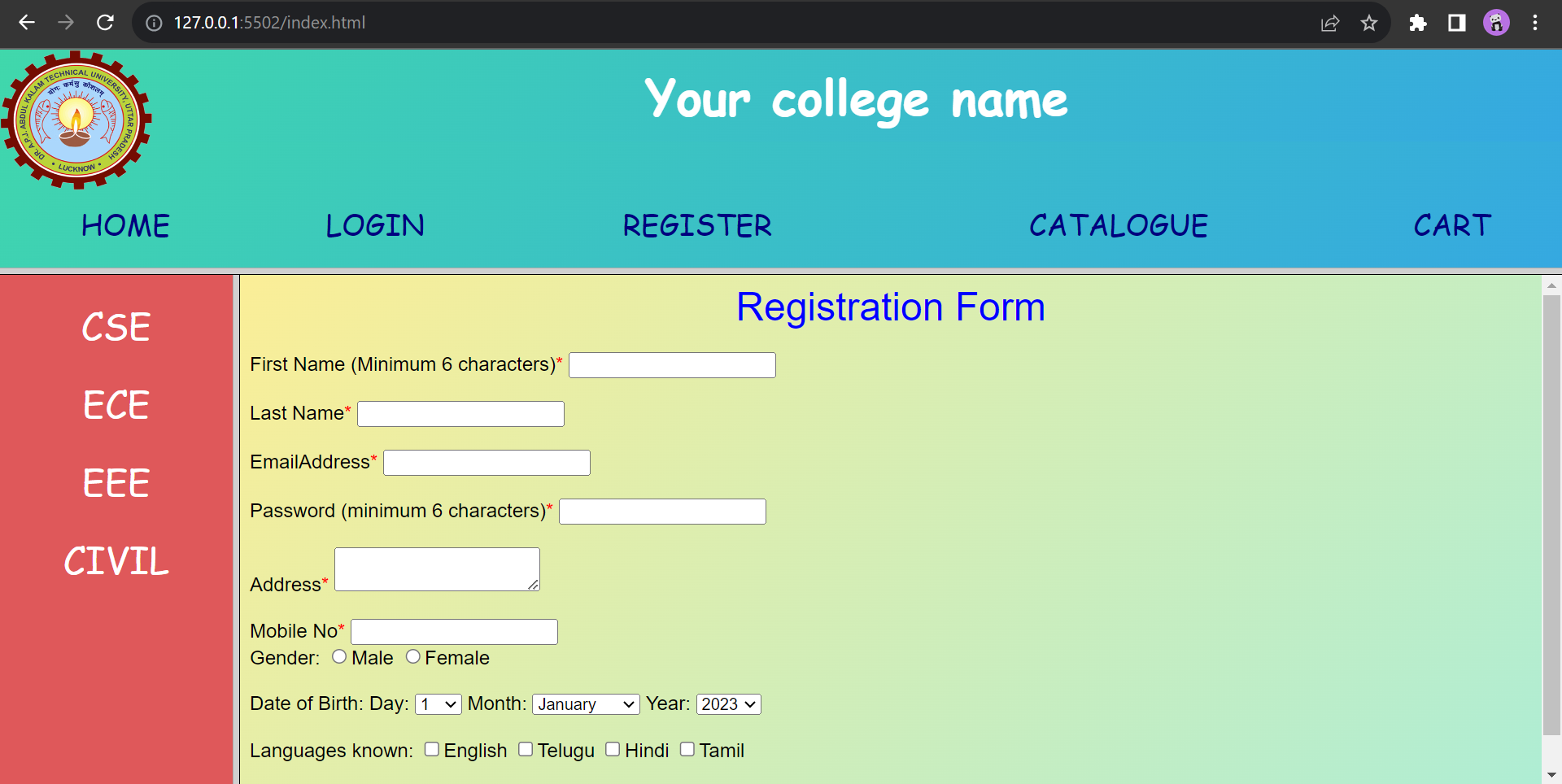
Registration page with strict client-side JavaScript validation verifying non-empty alphabets for names, 6+ character passwords, standard email pattern regex, and 10-digit mobile numbers.